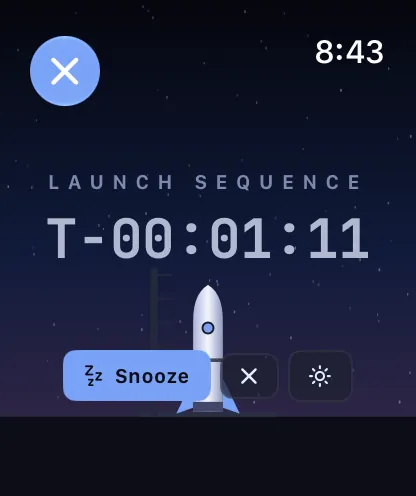
Launch kit
Writing about Flight Day
The name, the words, the mark and the pictures, ready to use. Everything here may be used to write about Flight Day.
Name and tagline
Flight Day, two words
| What | Use | Not |
|---|---|---|
| Name | Flight Day, both words capitalised | FlightDay, Flightday, Flight day, FD |
| Possessive | Flight Day’s briefing | Flight Days briefing |
| Tagline | Every day is a flight day. | — |
| Short description | Launch control for your home and your day | The ultimate space-powered smart-home experience |
| Web address | flightday.app | — |
| Formerly | Flight Day was formerly Omarchy Wall. | — |
Description
One paragraph
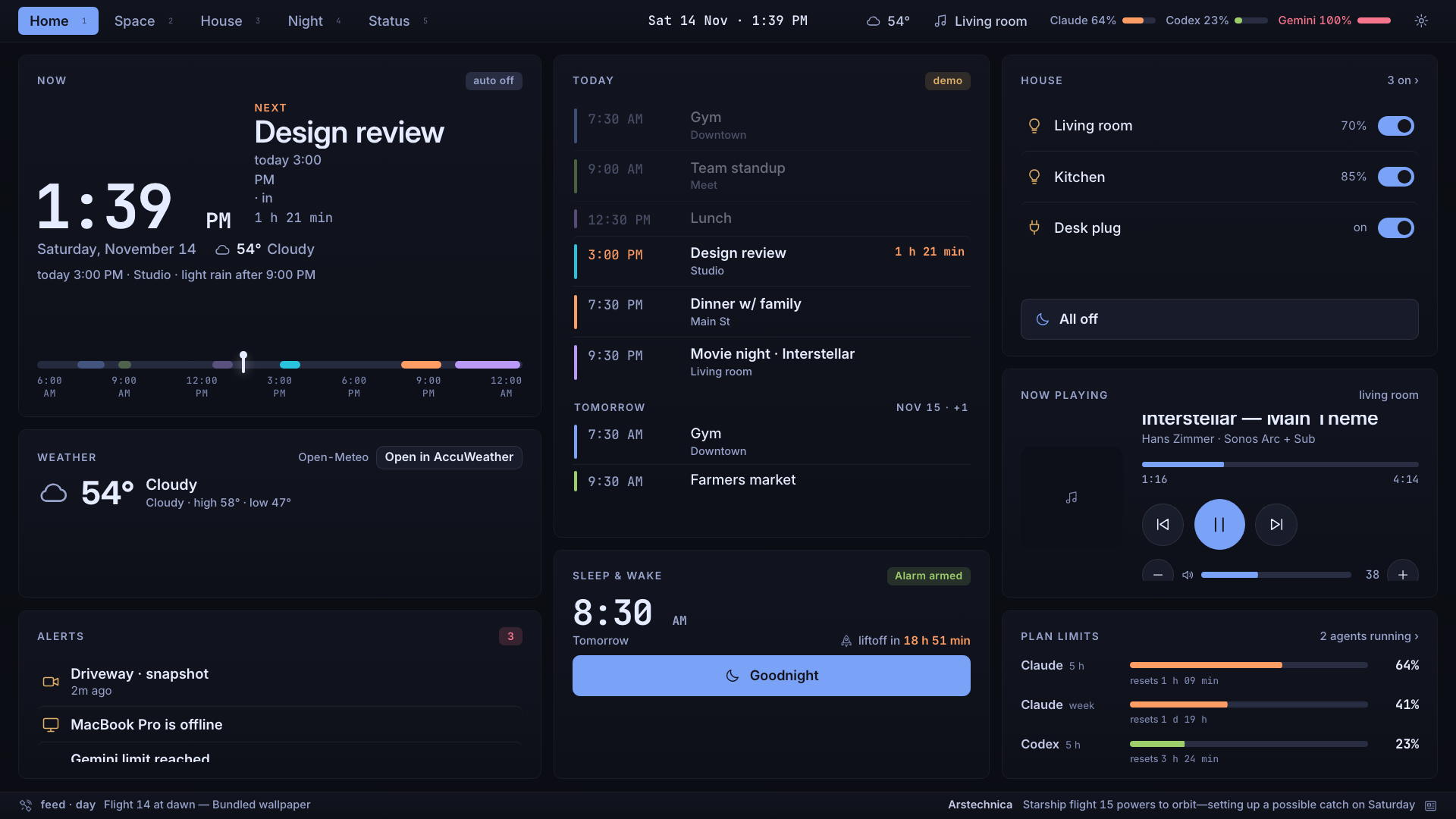
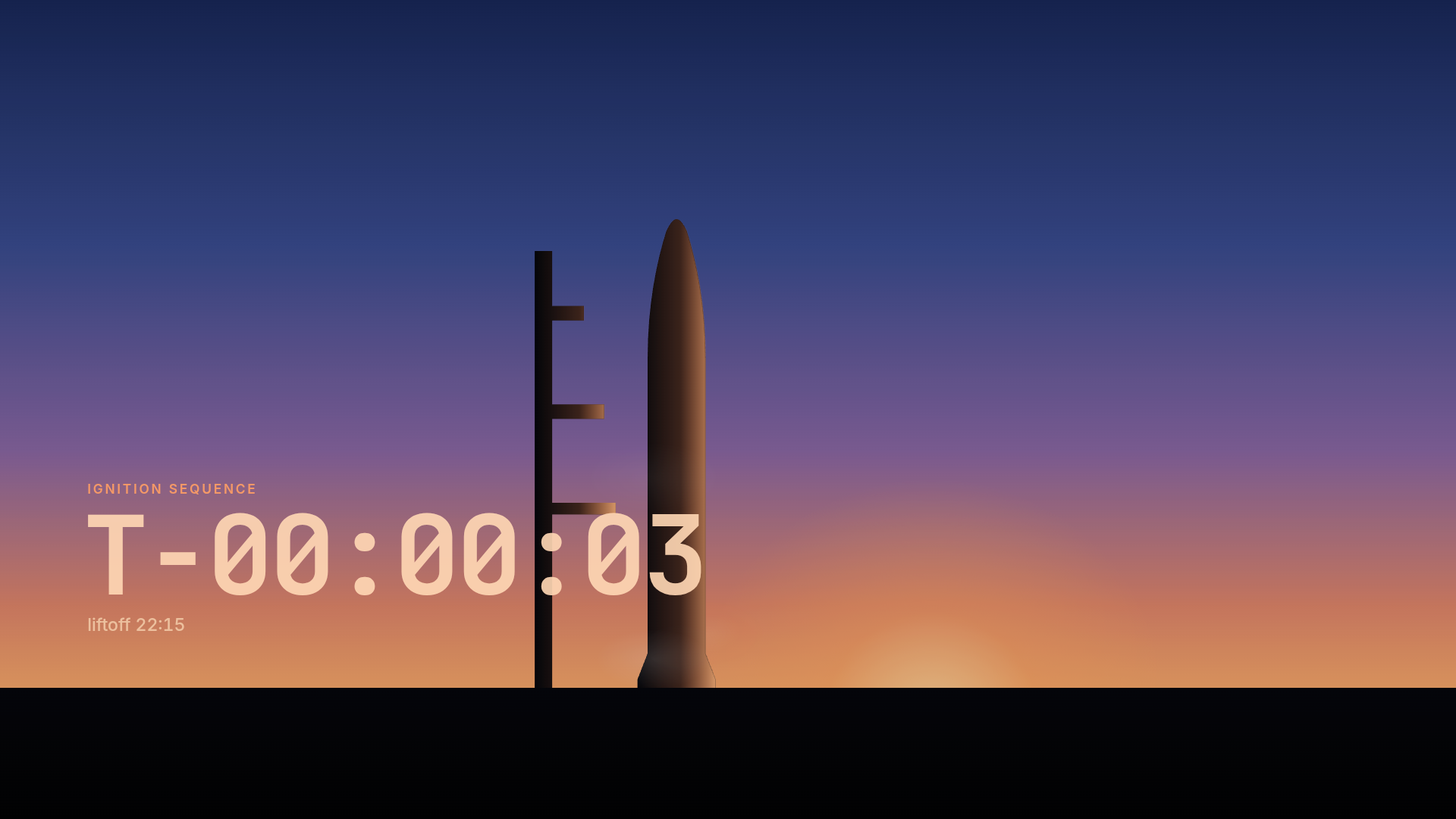
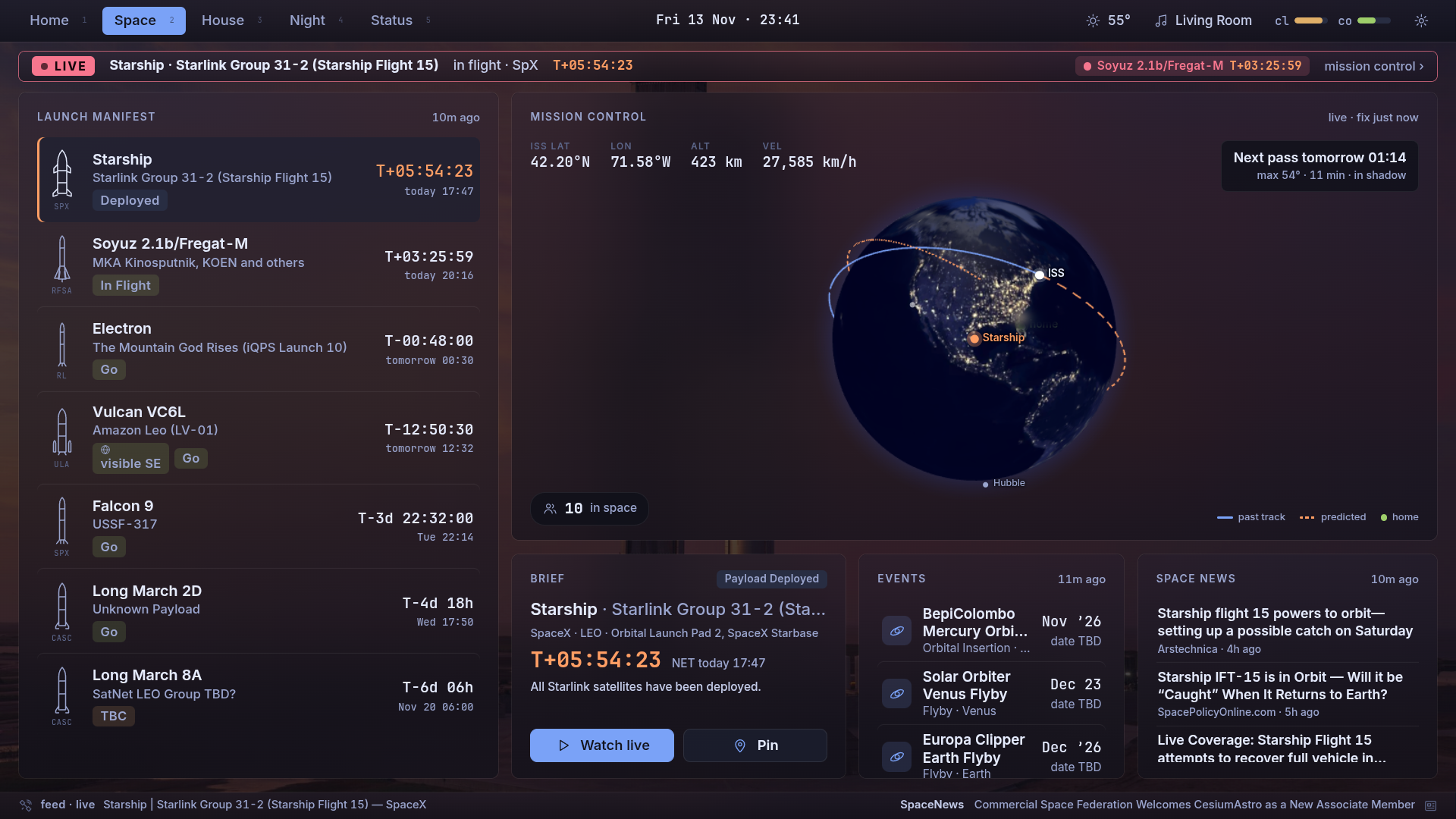
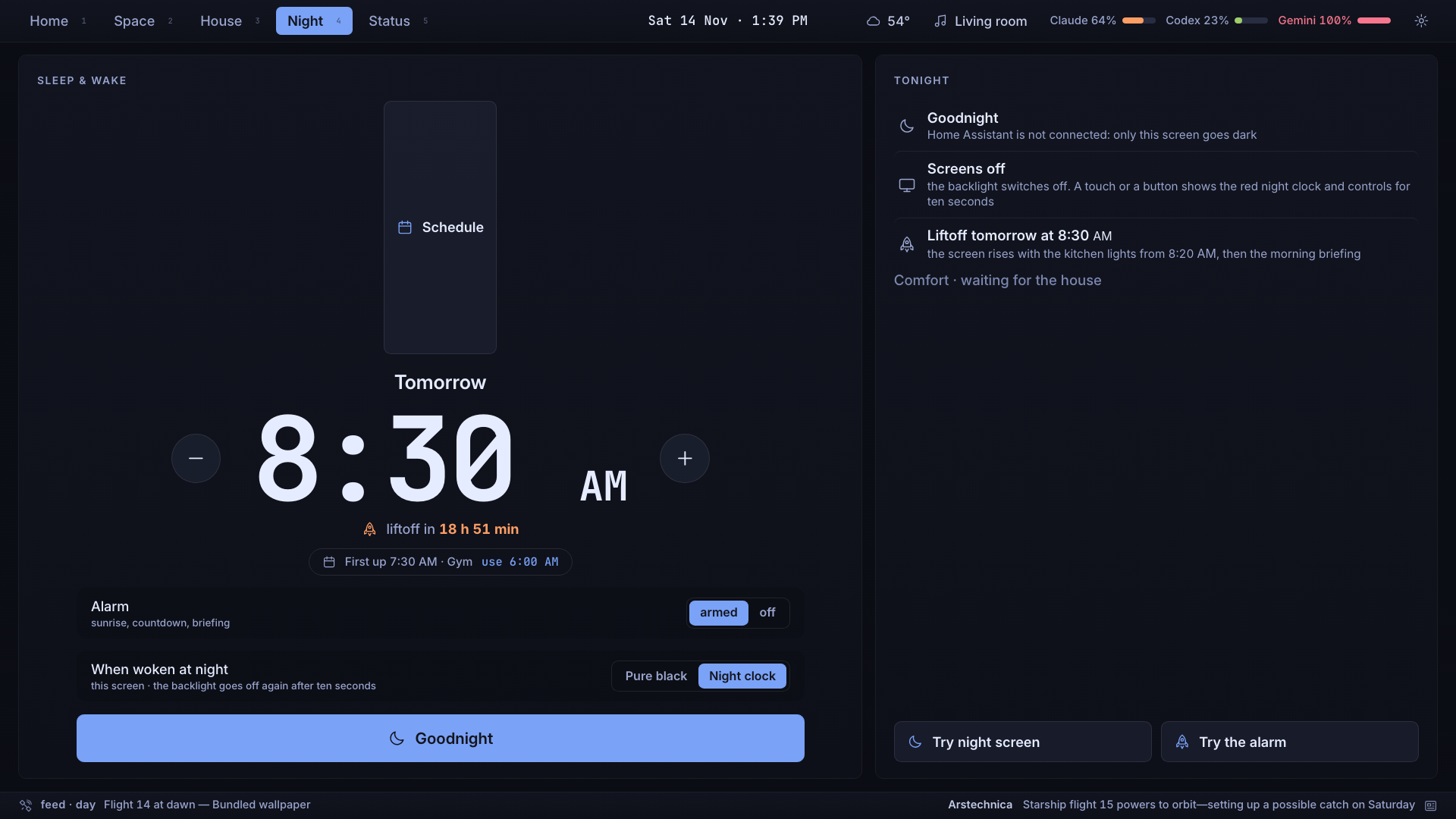
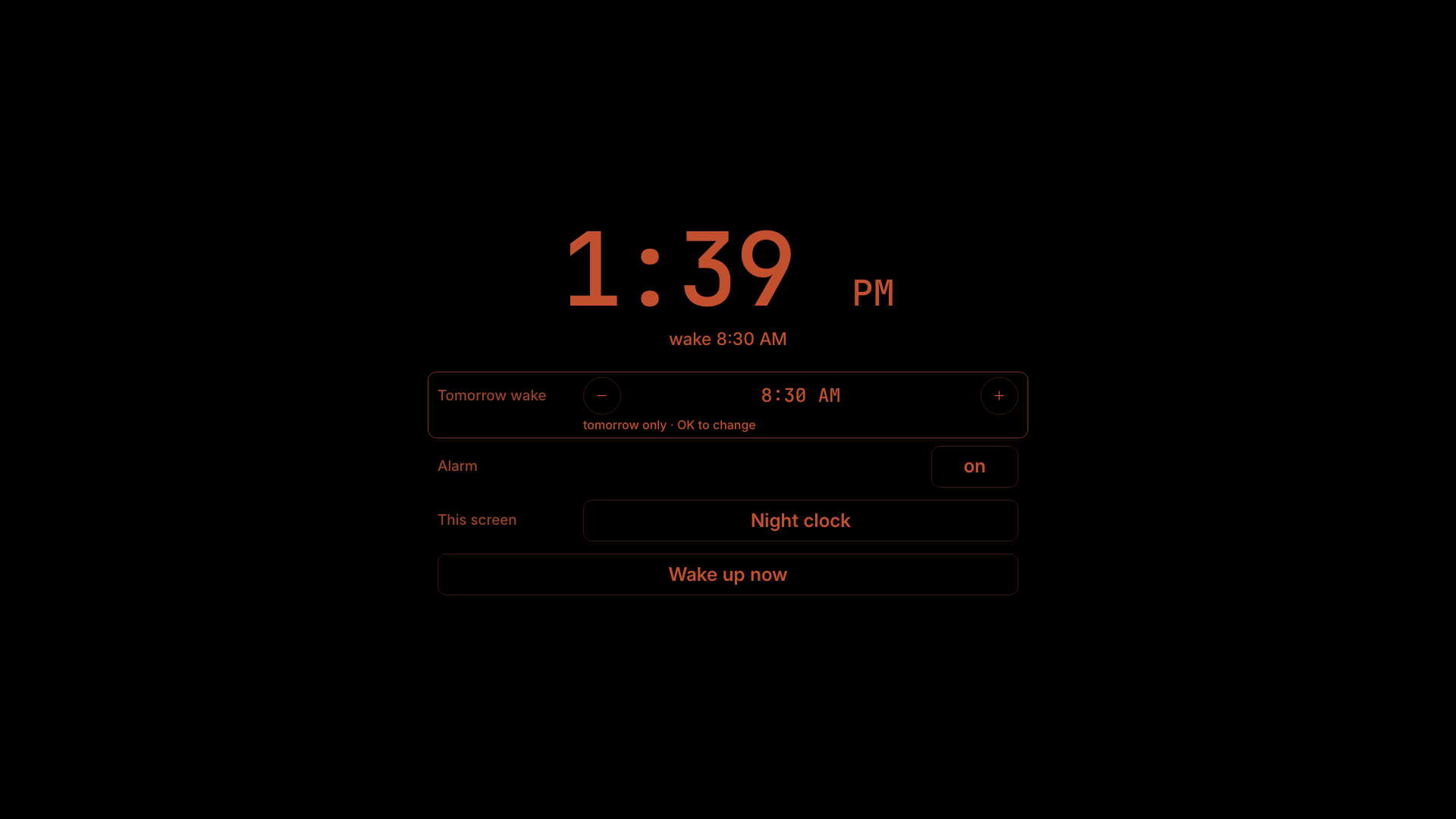
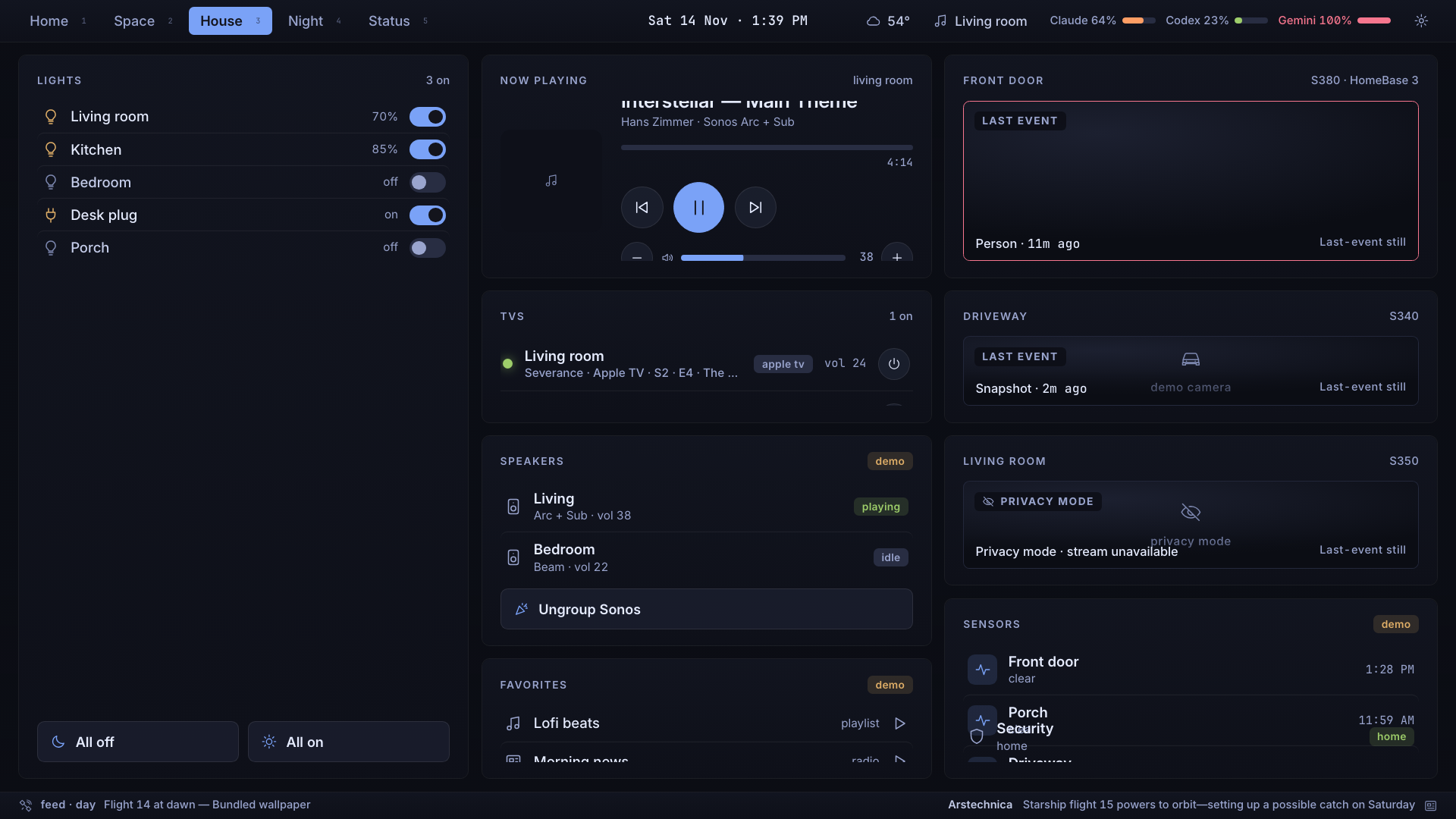
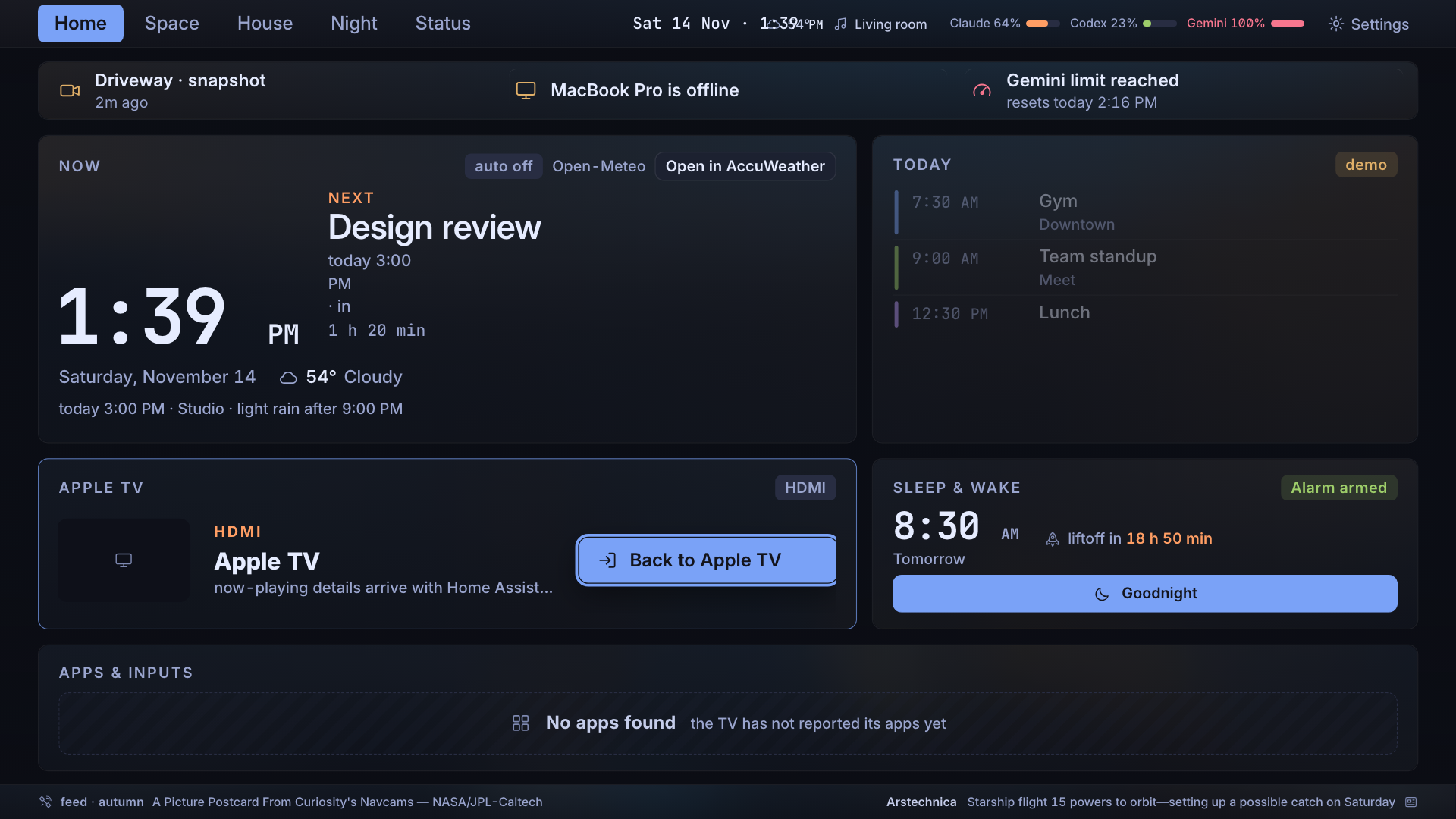
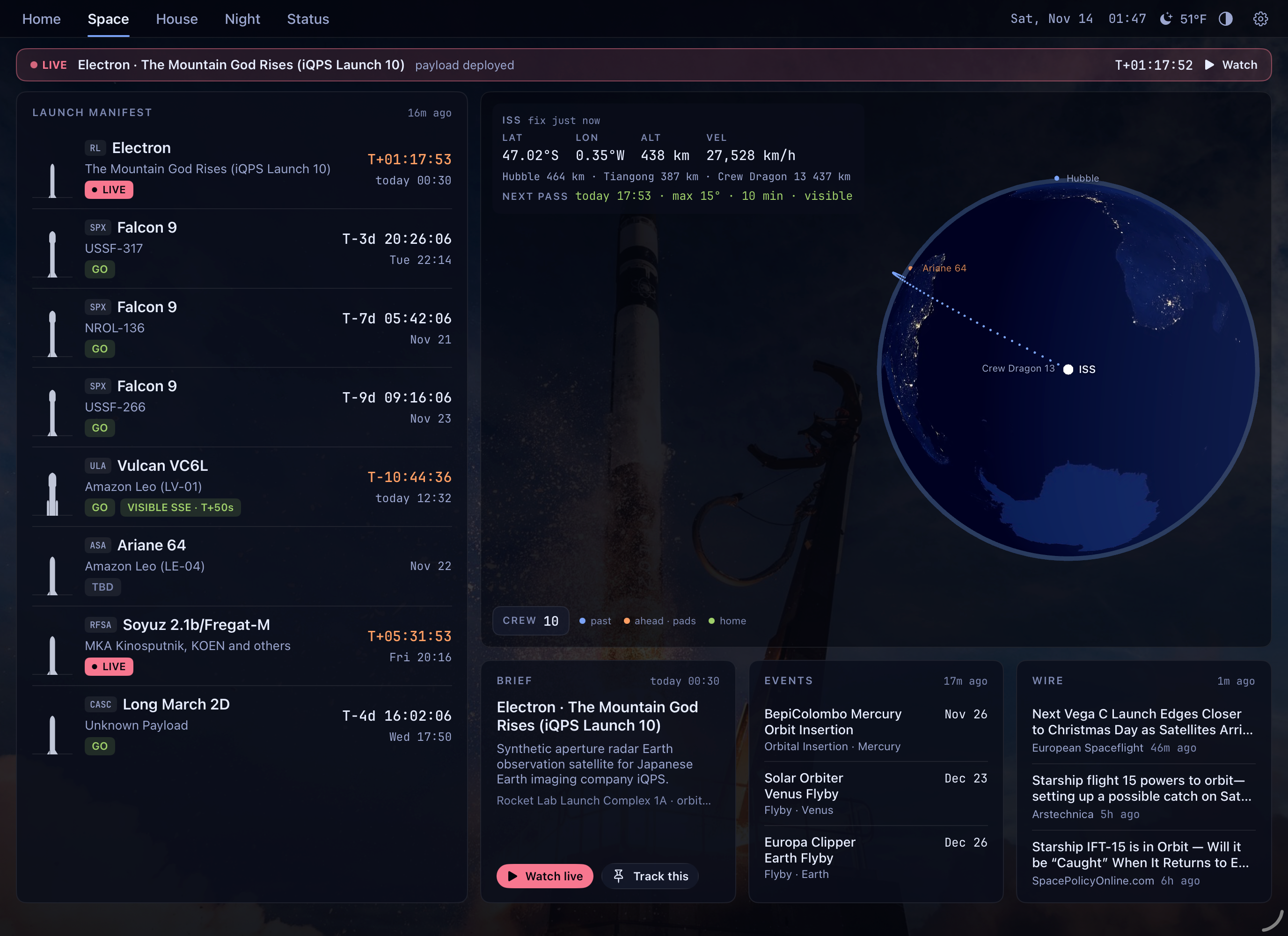
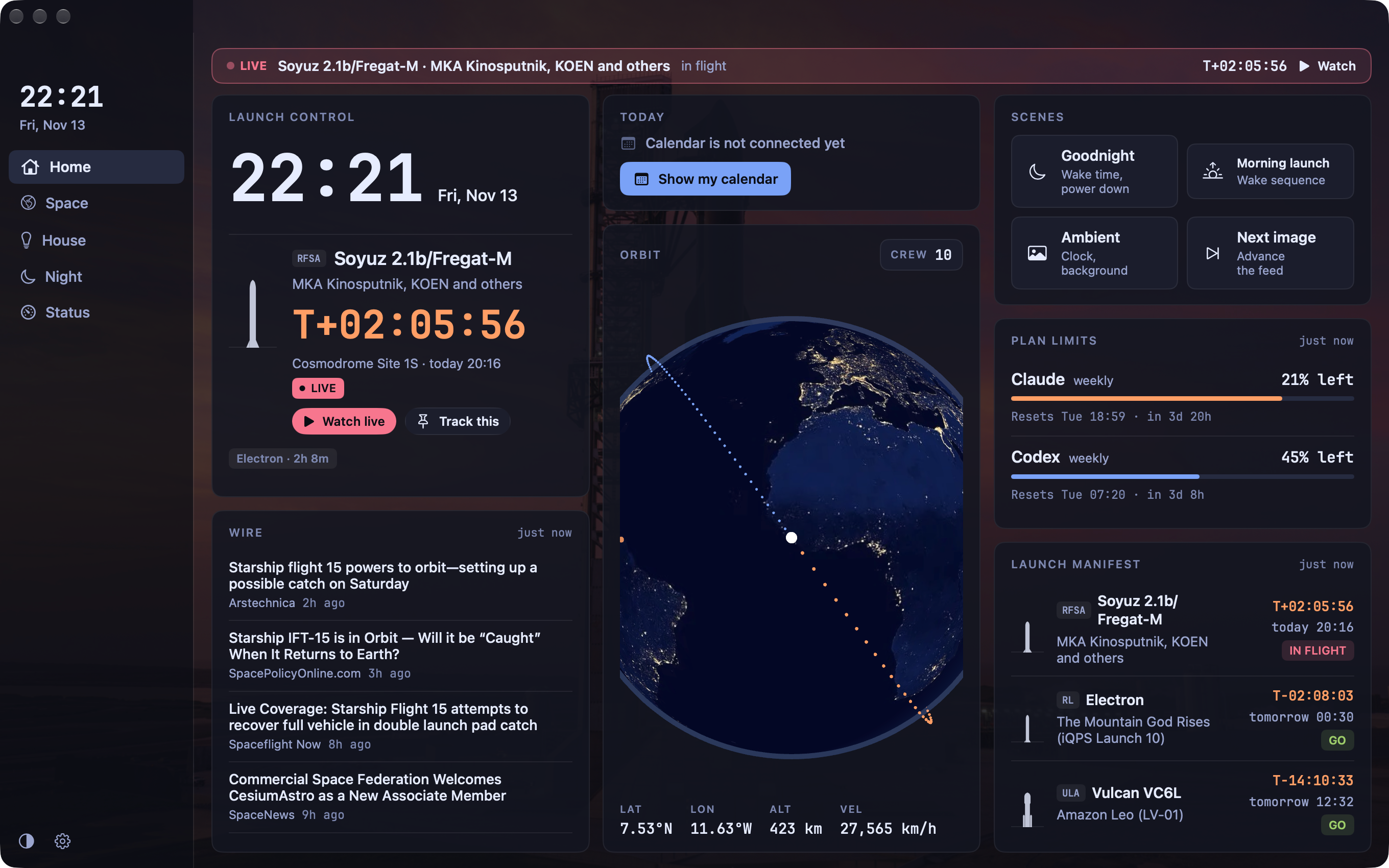
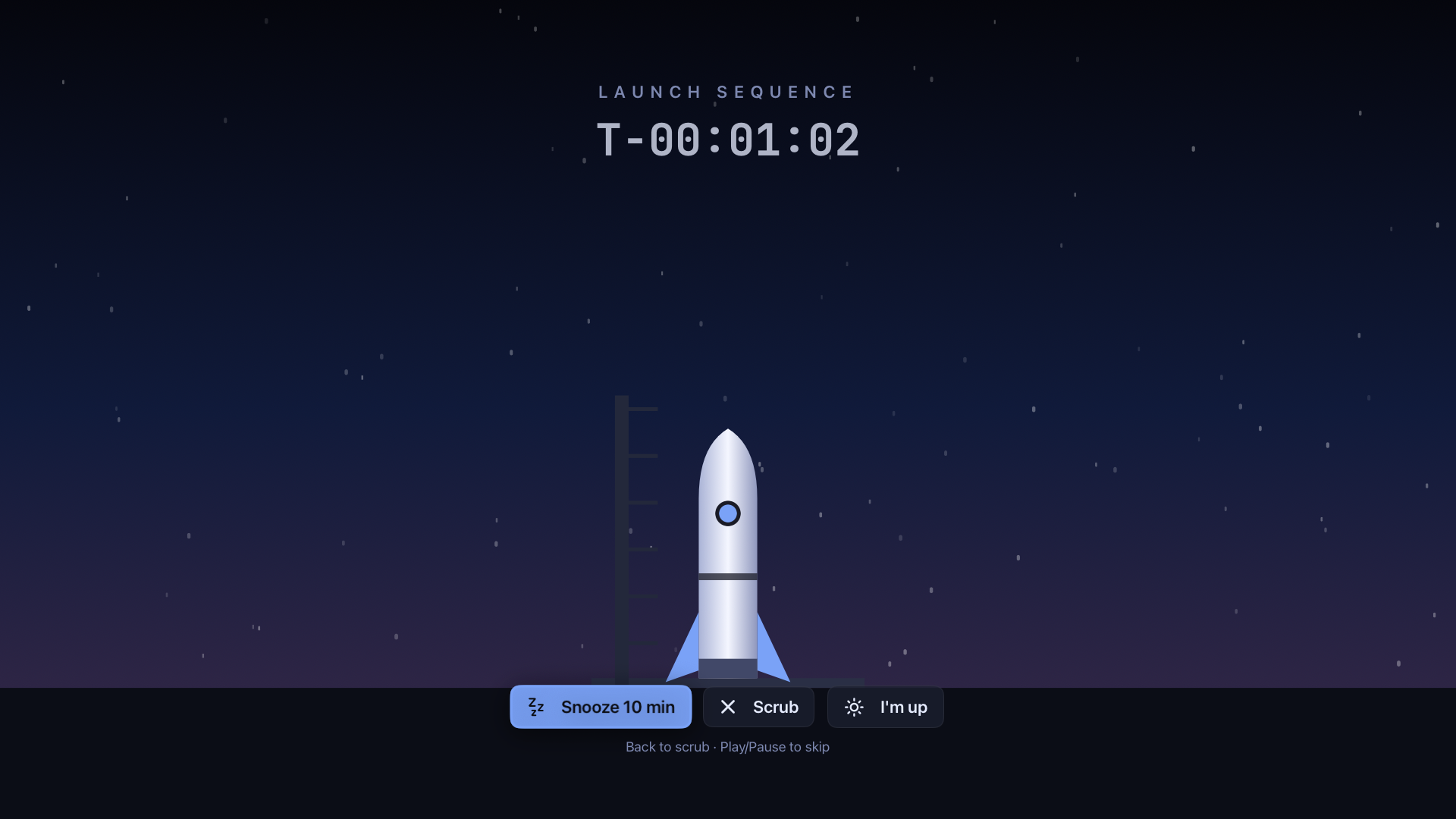
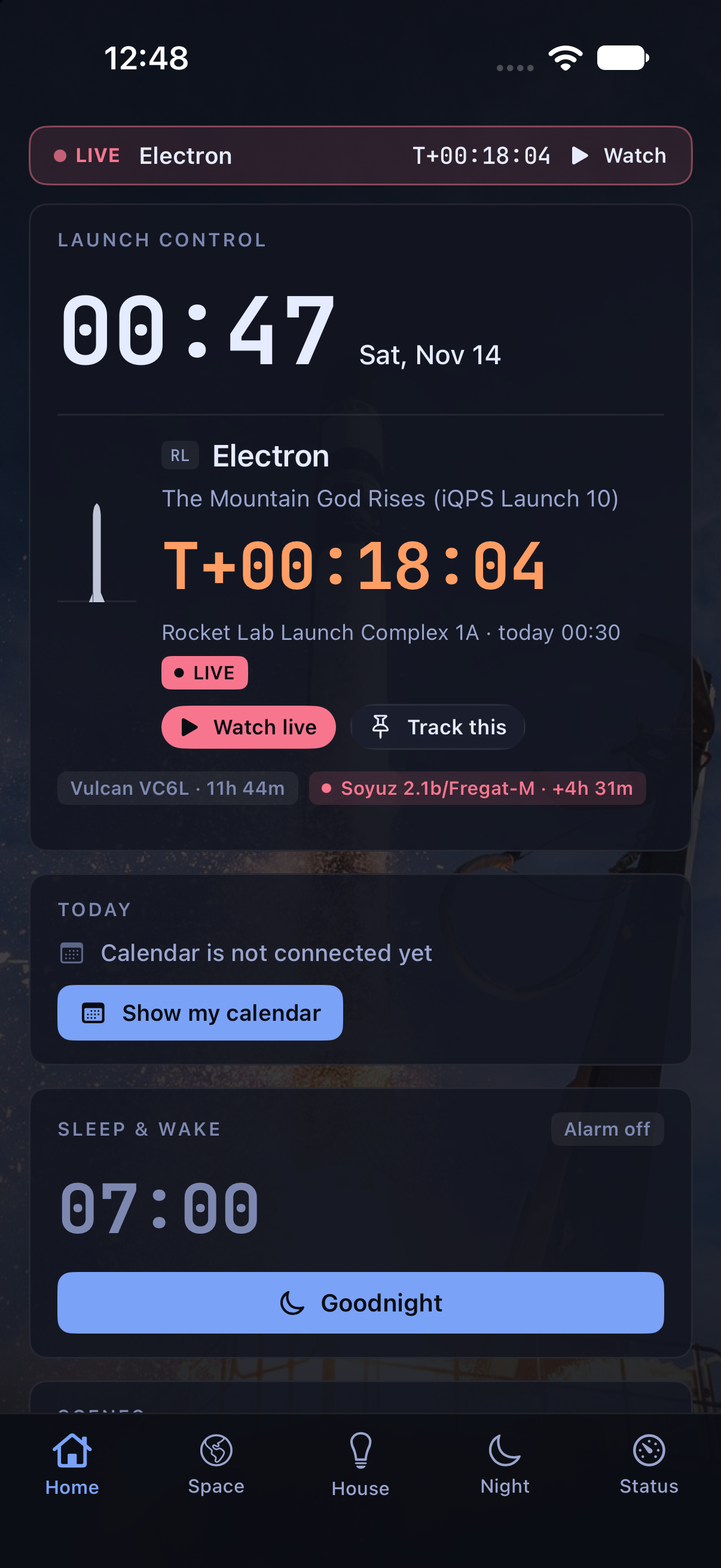
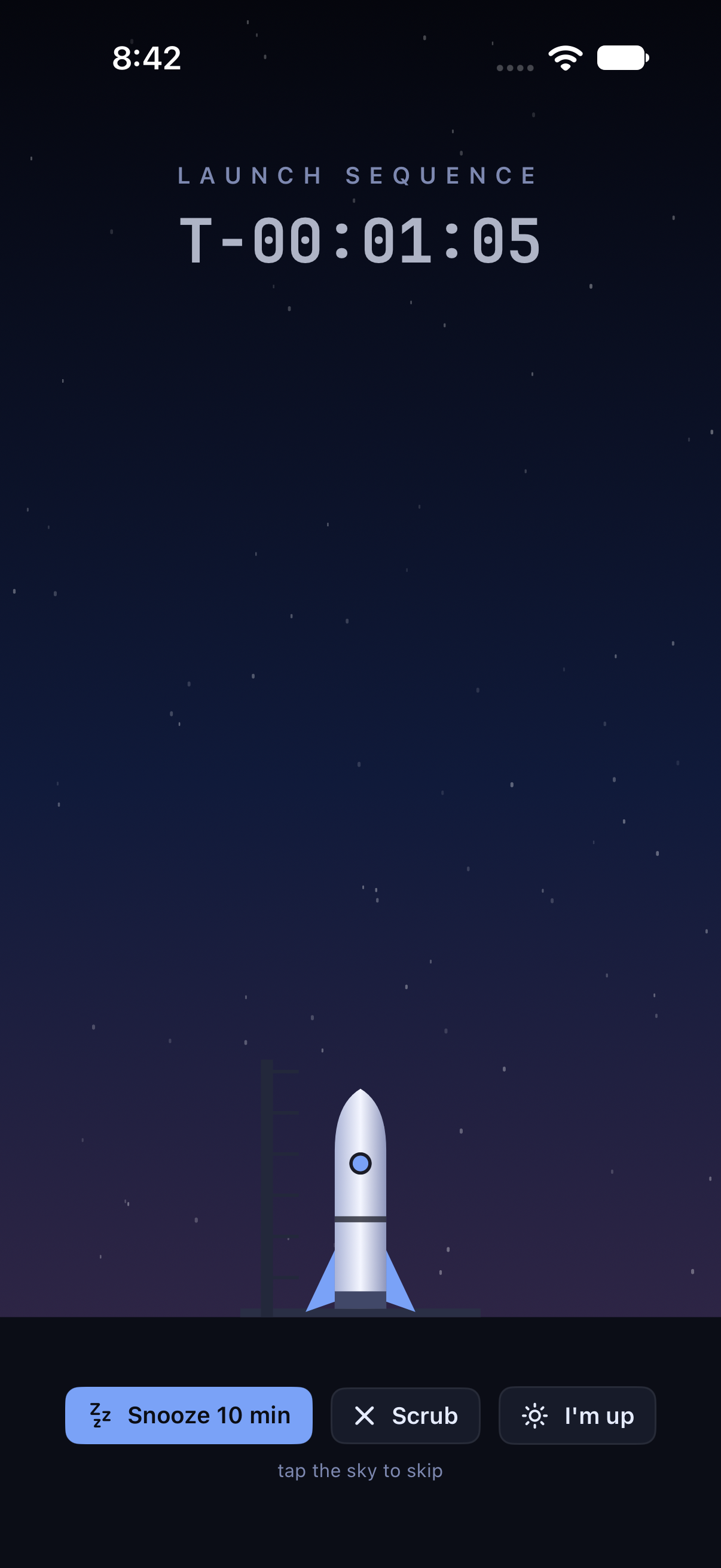
Flight Day is launch control for your home and your day. It wakes you with a launch-style countdown while the lights warm up, then shows a morning briefing with the weather, rain in the next hour, the day’s calendar and the launches worth watching. At night, one tap on Goodnight starts a sleep sound and turns the screens dark. In between, it runs the house through Home Assistant, from Smart Comfort heating and cooling to lights and media, and follows every rocket launch on a live globe. Flight Day runs on an Android wall panel and Google TVs, with native iPhone, iPad, Mac, Apple TV and Apple Watch apps in TestFlight beta. It will be released as open source.
Mark and icon
Daybreak Ascent
A half sun rising on a horizon, with an ascent trail that lifts off and pitches east toward a small craft: a launch at dawn, and the arc of a day. Keep one craft diameter of clear space around it, and don’t rotate, stretch, outline or add flames.


Lockup, on light



Mark, on dark


Mark, on light


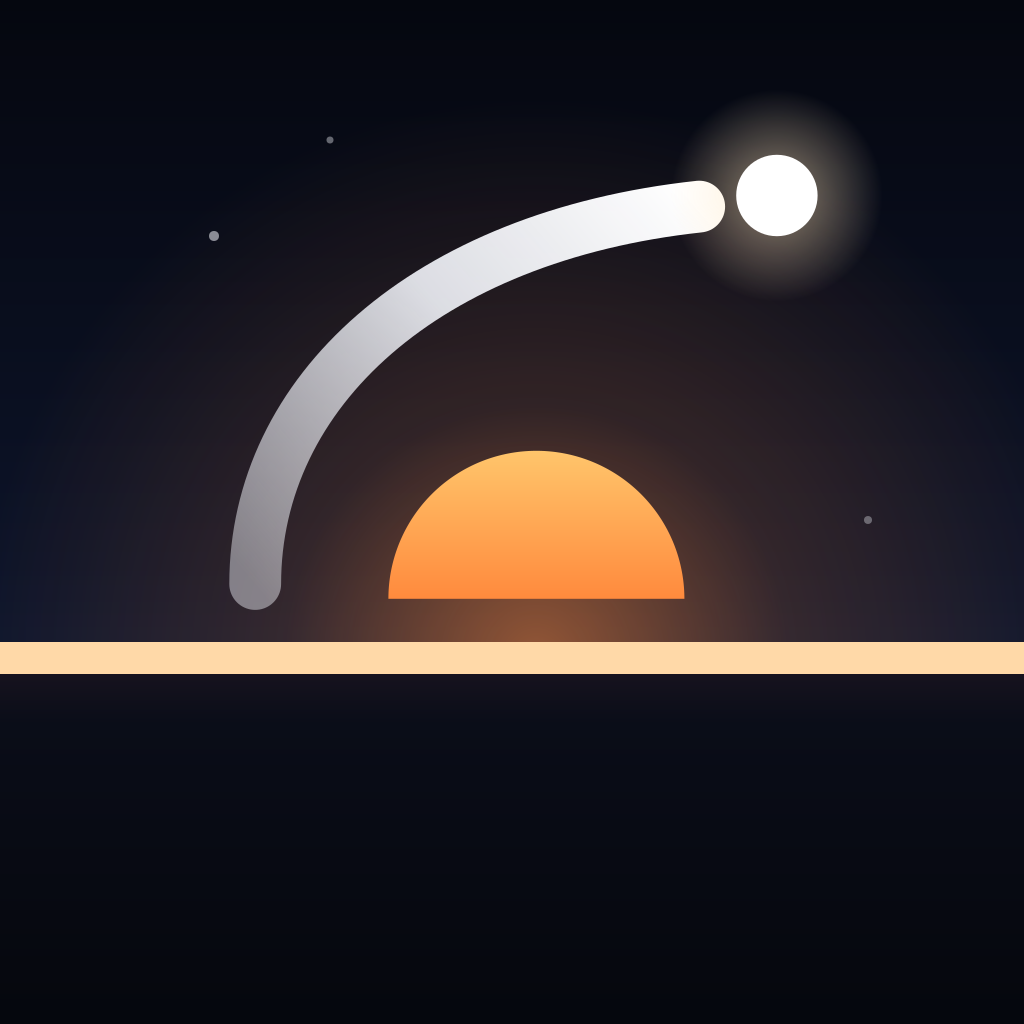
App icon
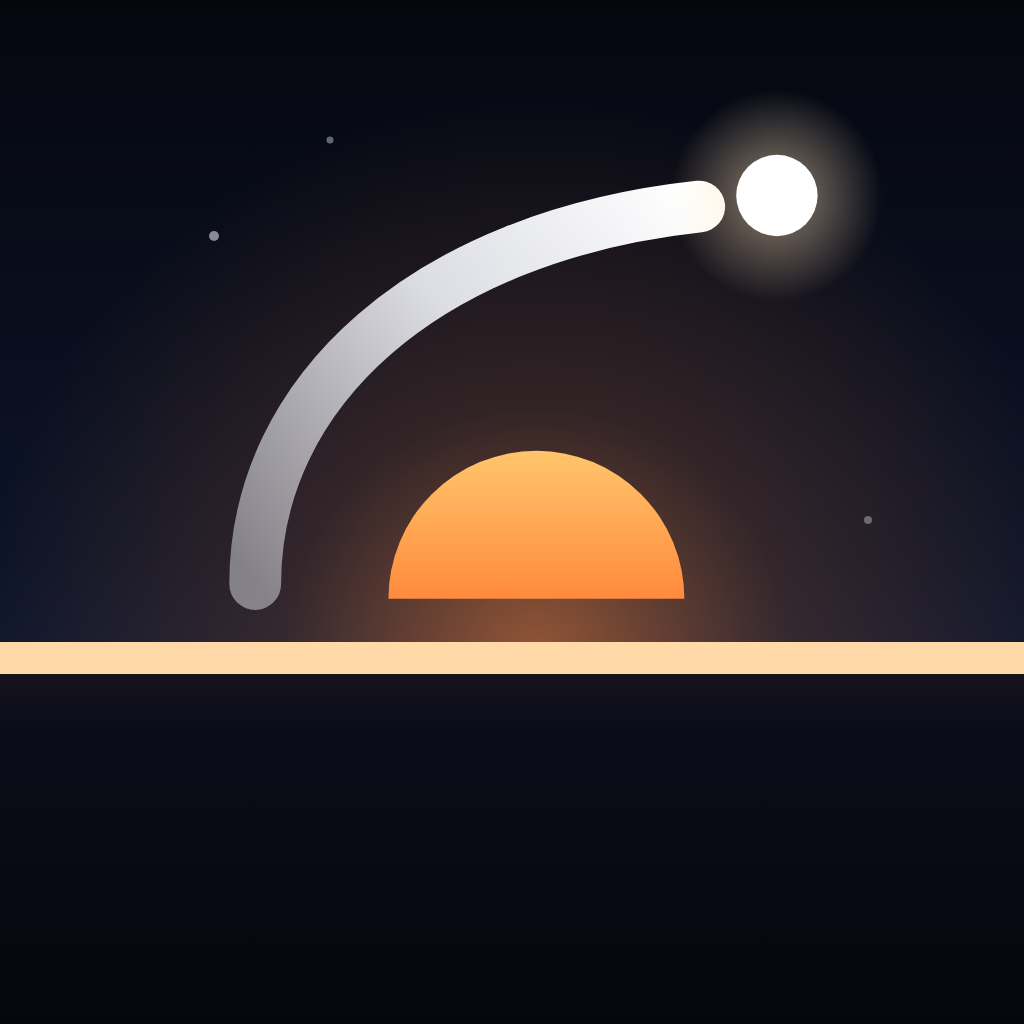
Colour and type
Dawn orange on night navy
Type is Inter for words and JetBrains Mono for countdowns and times. Both are open source.
Night
#0A0E1ASurface
#11172AMoon
#F1F3F9Ignition
#FF8A3DDaybreak
#FFC56BHorizon
#6E9BFFDaylight
#F4F5F9Night ink
#0D1222Screenshots
Labelled, and safe to publish
Real captures come from the app on real screens or Apple’s simulators and show public launch data only. Where a real capture showed something about the home, it was edited, as noted. Sample data captures use the app’s built-in demo mode, with made-up events, rooms and devices. Each link opens a full-size PNG.